Get expert guidance in a few days with a Laravel code review

Laravel Decomposer – List your dependencies and environment for tech support

Published on by

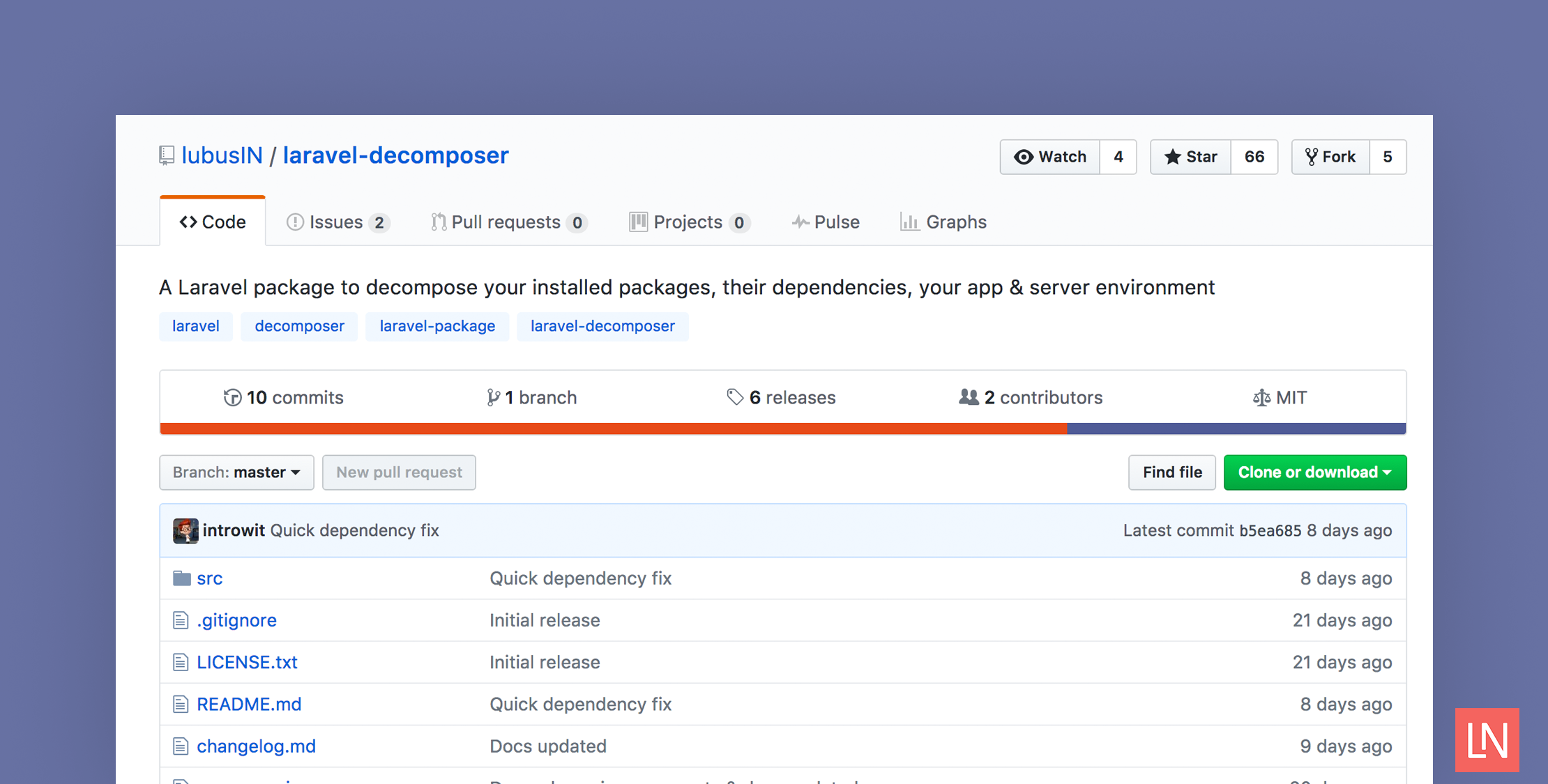
Laravel Decomposer – List your dependencies and environment for tech support image

When working with Laravel apps, sometimes you encounter problems related to your application environment; a required PHP extension is missing, the storage directory is not writable, or there are Composer packages conflicts. Of course, you could look for these problems manually or run composer show --tree in the terminal to list the installed dependencies. Laravel Decomposer is a third party package that offers an alternative way to view information about your environment details and installed dependencies through the browser.

Let’s take a look at how this package can be set up and used.

Installation

First, install Laravel Decomposer through Composer:

composer require lubusin/laravel-decomposer

Next, open your config/app.php and add Laravel Decomposer service provider:

'providers' => [
...
Lubusin\Decomposer\DecomposerServiceProvider::class,

Finally, add the following route to routes/web.php file:

Route::group(['middleware' => 'auth'], function () {
Route::get('decompose','\Lubusin\Decomposer\Controllers\DecomposerController@index');
});

NOTE: Because this exposes parts of your environment we recommend you hide it behind authentication.

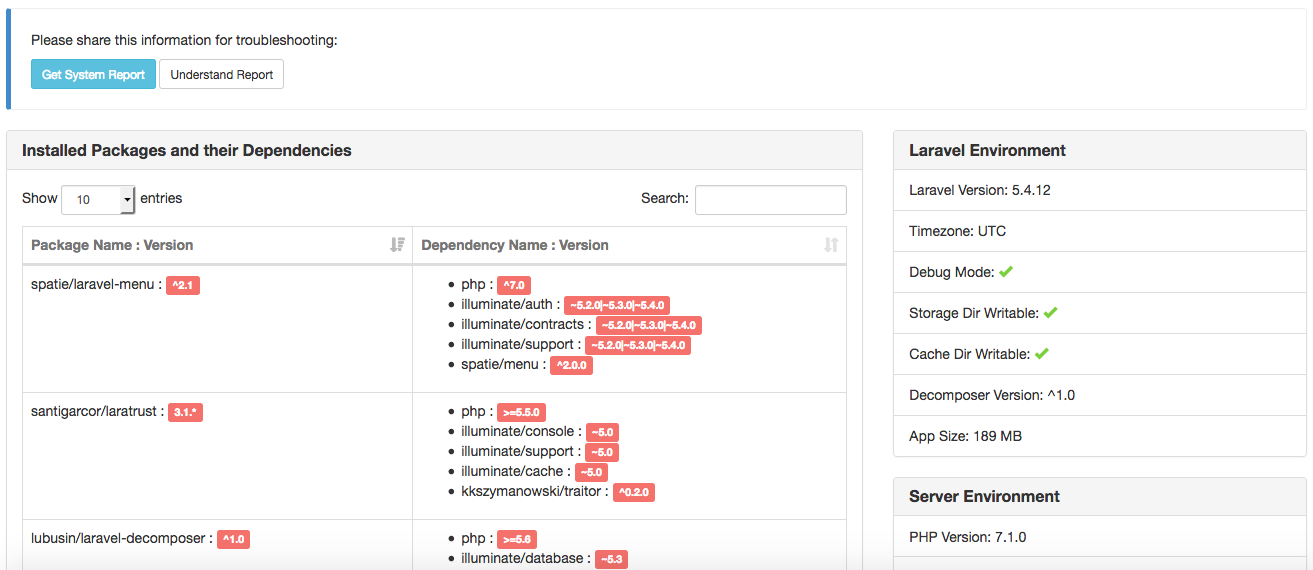
Now, let’s access that route through the browser. Open http://your-app.dev/decompose and you will see a page like the following:
Overview

The Laravel Decomposer page provides information about your app in three different categories:

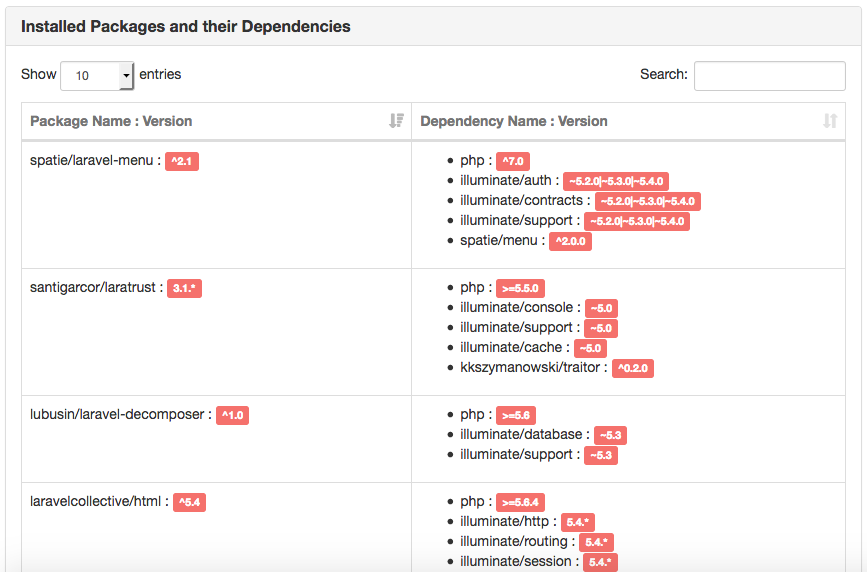
Installed Packages and Their Dependencies

In this section, you will see a list of your installed packages and their versions. It also shows you the dependencies of each package.
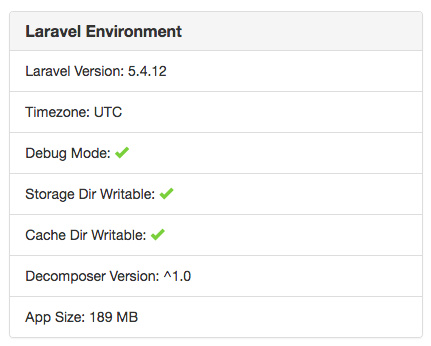
Laravel Environment

This provides information about your app like whether the debug mode is active, or whether storage and cache directories are writable or not.
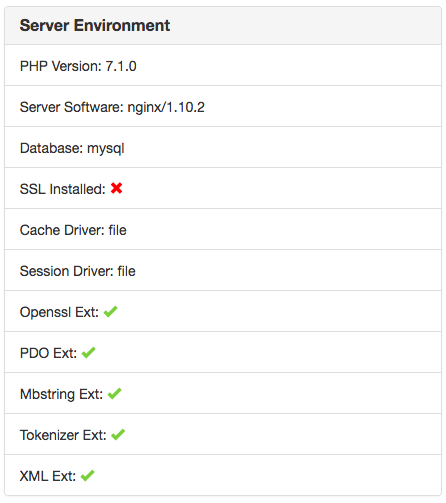
Server Environment

This displays server environment details so you know if Laravel framework requirements (PHP version and extensions) are satisfied.
One nice feature of Laravel Decomposer is allowing you to generate a system report which provides Laravel, server environment, and installed packages details in markdown format. It allows you to easily report issues by providing package maintainers the information needed to resolve them.
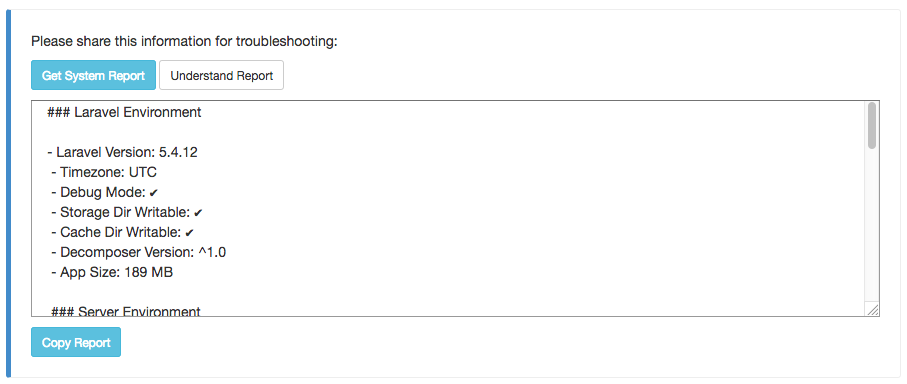

That’s it; give Laravel Decomposer a try if you are looking for a way to view your environment details and installed dependencies through the browser.

Diaa Fares photo

Laravel Artisan, Web Developer, Tech Geek

Cube

Laravel Newsletter

Join 40k+ other developers and never miss out on new tips, tutorials, and more.

image
Laravel Cloud

Easily create and manage your servers and deploy your Laravel applications in seconds.

Visit Laravel Cloud
Acquaint Softtech logo

Acquaint Softtech

Acquaint Softtech offers AI-ready Laravel developers who onboard in 48 hours at $3000/Month with no lengthy sales process and a 100 percent money-back guarantee.

Acquaint Softtech
Laravel Cloud logo

Laravel Cloud

Easily create and manage your servers and deploy your Laravel applications in seconds.

Laravel Cloud
PhpStorm logo

PhpStorm

The go-to PHP IDE with extensive out-of-the-box support for Laravel and its ecosystem.

PhpStorm
Harpoon: Next generation time tracking and invoicing logo

Harpoon: Next generation time tracking and invoicing

The next generation time-tracking and billing software that helps your agency plan and forecast a profitable future.

Harpoon: Next generation time tracking and invoicing
Tinkerwell logo

Tinkerwell

The must-have code runner for Laravel developers. Tinker with AI, autocompletion and instant feedback on local and production environments.

Tinkerwell
SerpApi logo

SerpApi

Access real-time search engine results through a simple API—no more scraping headaches! Use it for AI applications, SEO tools, product research, travel information, and more

SerpApi
SaaSykit: Laravel SaaS Starter Kit logo

SaaSykit: Laravel SaaS Starter Kit

SaaSykit is a Multi-tenant Laravel SaaS Starter Kit that comes with all features required to run a modern SaaS. Payments, Beautiful Checkout, Admin Panel, User dashboard, Auth, Ready Components, Stats, Blog, Docs and more.

SaaSykit: Laravel SaaS Starter Kit
Kirschbaum logo

Kirschbaum

Providing innovation and stability to ensure your web application succeeds.

Kirschbaum
Get expert guidance in a few days with a Laravel code review logo

Get expert guidance in a few days with a Laravel code review

Expert code review! Get clear, practical feedback from two Laravel devs with 10+ years of experience helping teams build better apps.

Get expert guidance in a few days with a Laravel code review
Shift logo

Shift

Running an old Laravel version? Instant, automated Laravel upgrades and code modernization to keep your applications fresh.

Shift
Lucky Media logo

Lucky Media

Get Lucky Now - the ideal choice for Laravel Development, with over a decade of experience!

Lucky Media

The latest

View all →
Laravel Installer Now Returns JSON When Running Inside an AI Agent image

Laravel Installer Now Returns JSON When Running Inside an AI Agent

Read article
Queue-Wide Inspection Methods in Laravel 13.8.0 image

Queue-Wide Inspection Methods in Laravel 13.8.0

Read article
Verifiable Audit Logging with Laravel Chronicle image

Verifiable Audit Logging with Laravel Chronicle

Read article
Ship AI with Laravel: Search Entire PDFs with Zero Search Logic image

Ship AI with Laravel: Search Entire PDFs with Zero Search Logic

Read article
Personalized Content Delivery System: Building an AI-powered recommendation engine with Laravel and MongoDB image

Personalized Content Delivery System: Building an AI-powered recommendation engine with Laravel and MongoDB

Read article
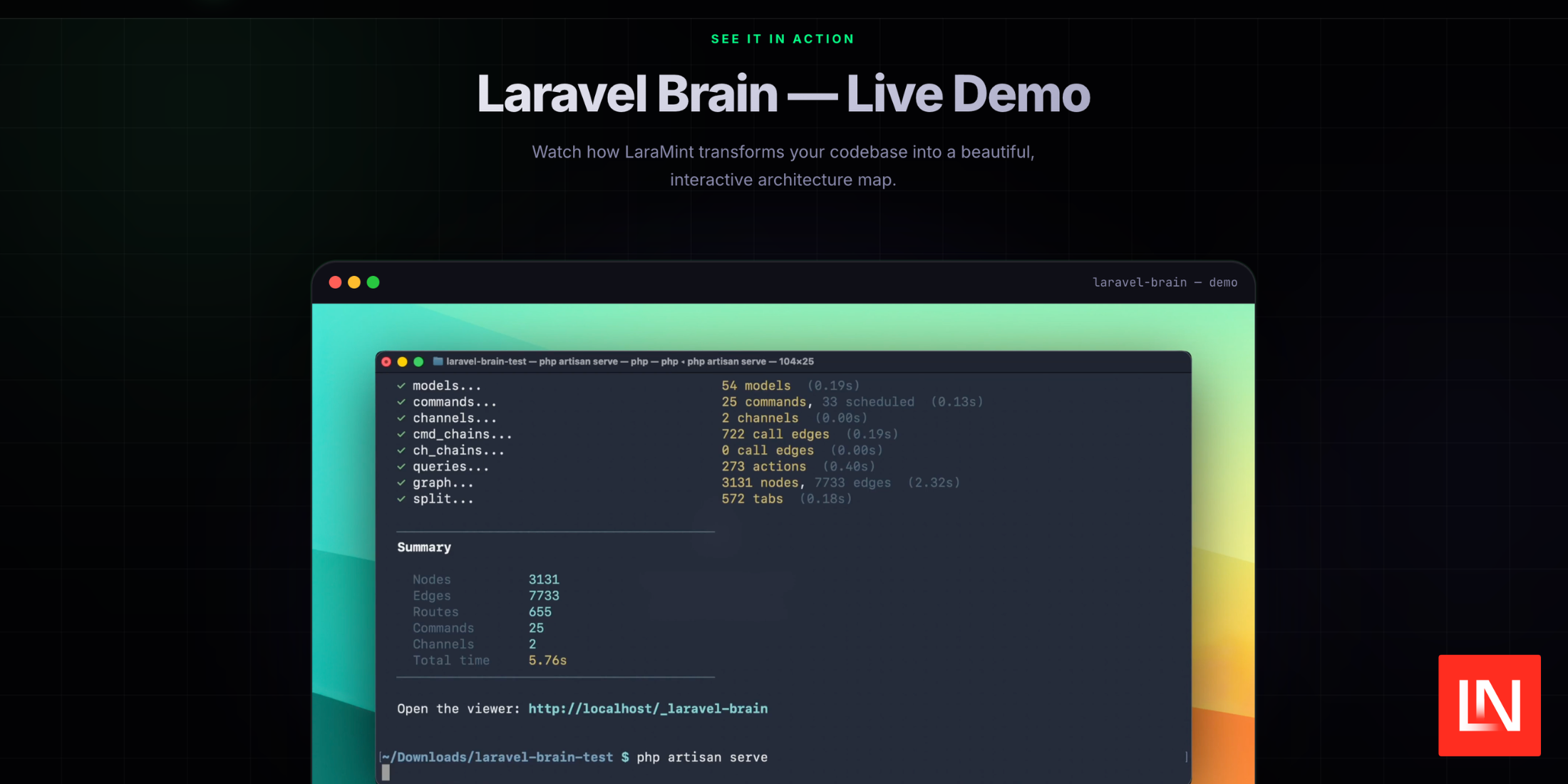
Laravel Brain: Visualize Your Application's Request Lifecycle image

Laravel Brain: Visualize Your Application's Request Lifecycle

Read article