With the release of PestPHP v2, we can now test the architecture of our applications. In this tutorial, we will walk through how to use this plugin.
It starts with creating an ArchTest.php file under tests/Feature in our application. From here, we can begin documenting our architectural requirements and rules - allowing us to test these with a great API and fantastic developer experience.
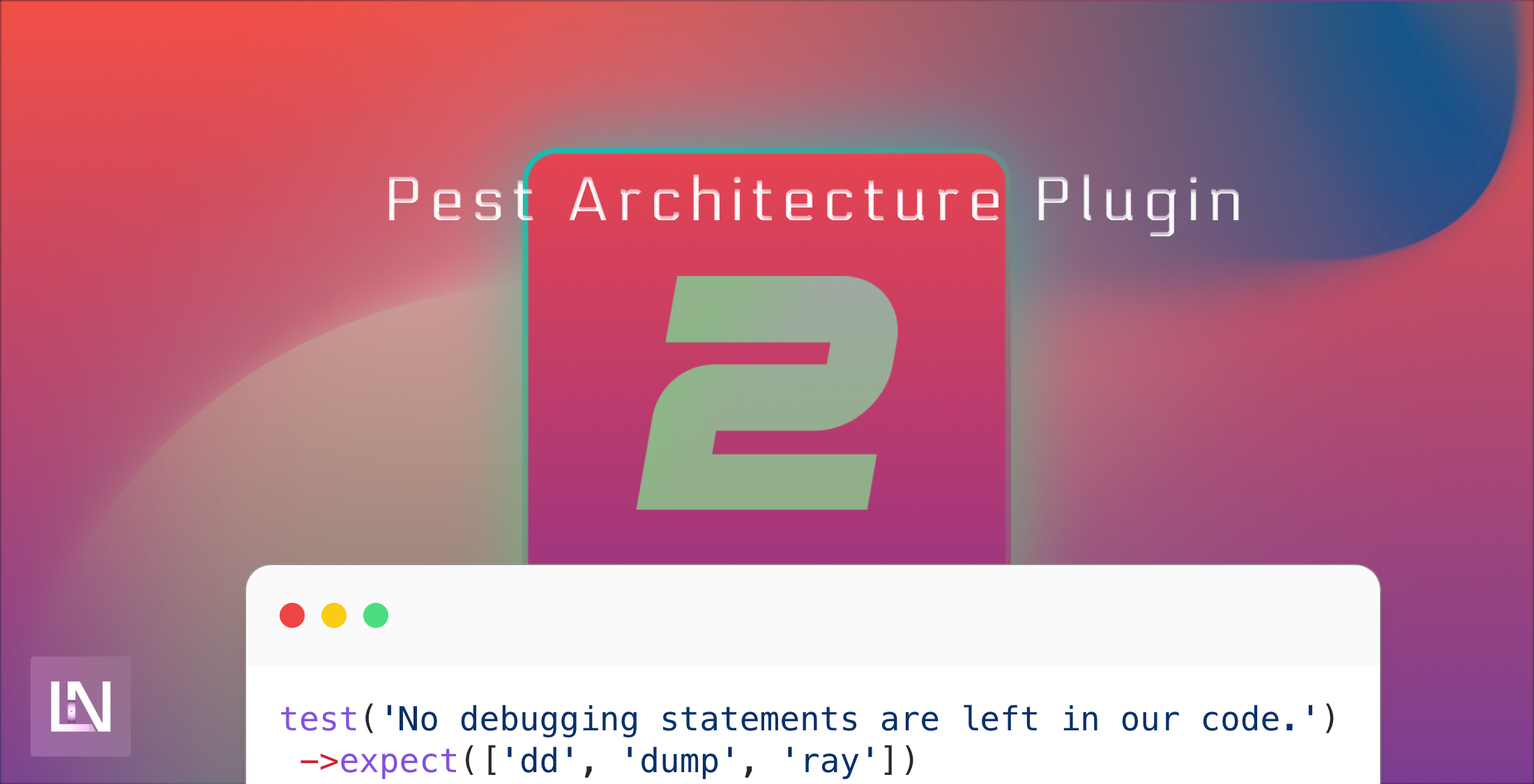
One test I recommend adding to your tests will ensure no stray debugging calls are left in our application.
test('Not debugging statements are left in our code.') ->expect(['dd', 'dump', 'ray']) ->not->toBeUsed();Before we go too deeply into the available rules we could use, let's analyze the structure of these tests. It starts with a test call, where we define the name of the test - make sure this is something understandable that describes what you are testing for. We then use Pest higher-order expectations API to declare what we are testing. We start by expecting something. In the above case, we expect none of the following to be used, or we could expect something to appear.
Next, let's look at more specific tests we can create to ensure our architectural rules are followed. Obviously, the first thing we need to do is ensure we understand what our architectural practices are. You can't simply implement rules you don't intend to follow. During this tutorial, I will document some rules I like to apply to my projects. Being an un-opinionated developer as I am.
test('Our API controllers return responses that we expect') ->expect('Illuminate\Contracts\Support\Http\Responsable') ->toBeUsedIn('App\Http\Controllers\Api');In this test, we want to ensure that we use Response classes in our API. Our Controllers should return Responsable classes so that we minimize code duplication and always return in a standard way.
test('We do not directly use Eloquent Models in our APIs.') ->expect('App\Models') ->not->toBeUsedIn('App\Http\Controllers\Api');In this test, we want to ensure that we do not directly use Eloquent models in our API. We should use Action, Command, Query, or Service/Repository classes when working with the database. This is a rule I like to follow as much as possible as, again, it reduces code duplication.
test('We always use Resouce classes when responding') ->expect('App\Http\Resources') ->toBeUsedIn('App\Http\Controllers\Api');In this test, we want to ensure we always use Resource classes in our controllers. This allows us to ensure that we have a standardized way to return data from the API.
The following rules will be more specific to how I code, so it may not be relevant to you - but it shows particular ways you can test the modular aspects of your code.
I lean heavily on my modular approach to Laravel, using separate namespaces where I need them. I also lean heavily on Commands for write actions and Queries for read actions. I can ensure that these are used where it makes sense to me.
test('We use Query classes where we need them in the Catalog domain') ->expect('Domains\Catalog\Queries') ->toBeUsedIn('App\Http\Controllers\Api\V1\Products\Read');This is currently something that I would use as a temporary measure until the architecture plugin supports wildcards. We want to make sure that We are using queries in the right place. As soon as we allow wildcards in the architecture plugin, we can do something like this:
test('Query classes are used for read operations') ->expect('Domains\*\Queries') ->toBeUsedIn('App\Http\Controllers\Api\*\*\IndexController') ->toBeUsedIn('App\Http\Controllers\Api\*\*\ShowController') ->not->toBeUsedIn('App\Http\Controllers\Api\*\*\StoreController') ->not->toBeUsedIn('App\Http\Controllers\Api\*\*\UpdateController') ->not->toBeUsedIn('App\Http\Controllers\Api\*\*\DeleteController');With this test, we can ensure that we are using queries in all of our read endpoints but not the write endpoints, allowing us to keep a tighter grip on our code architecture and approach.
Of course, this is not available right now, but perhaps it will allow us to have fewer architectural rules and the same amount of coverage in the future.