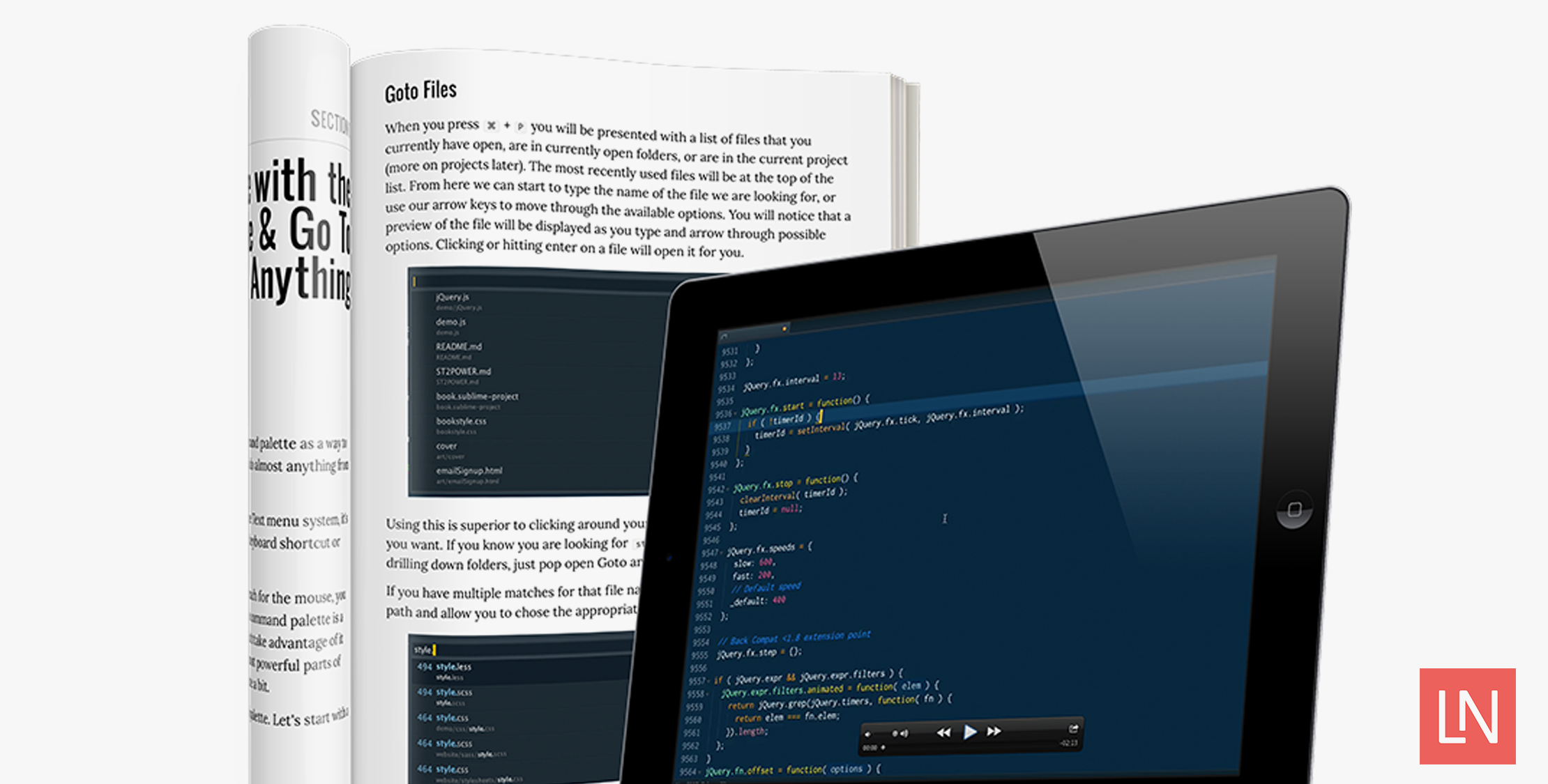
Sublime Text is one of the most popular editors for developers. It has tons of power, extremely light weight, and with a package system the customizations are limitless. I made the switch to it from TextMate years ago and even after all that time I’ve never truly mastered the editor.
Wes Bos understood that problem and wrote a book on the subject to help you not only learn your way around but to save you time. Sublime Text Power User covers everything from your first steps, to themes, shortcuts, macros, to tips and tricks.
I got to sit down with Wes and find out a little more about the book, the videos, and some of the ways he uses Sublime Text.
When I first tried Sublime Text the goto was life changing for me. What is your favorite Sublime Text feature?
Mine is very similar – I love the command palette and the goto anything command – these two windows allow you to access any command, file, line, function, method or selector in your entire project. I was previously a heavy user of the mouse and the find option – now I rarely use those to move around my code – there are much better ways!
My big complaint with Sublime Text is I can’t ever remember the shortcuts. Do you offer advice on tricks to memorize these?
As with anything, it takes a little practice. My tip for people is that when you do something manually with the mouse, stop and spend the 30 seconds that it takes to re-learn the shortcut. This will happen 3-4 times before you start to get the hang of it. The brain is really powerful and all it takes to train new skills is a little persistence and repetition.
With the Build systems, Git integration, and Linting you can get pretty close to a heavy IDE.
That is what makes Sublime Text so great – not everyone needs a heavy IDE, but some of the more commonly used features are totally available without slowing down the editor. The community has been great at making packages that extend the features of the editor.
Besides giving just an overview of Sublime Text what other goals does the book have?
My hope with this book is to uncover some of the most useful parts of Sublime Text that you can immediately implement into your workflow. There are so many features – big and small – that just don’t get enough usage. Many readers come back after reading the book lamenting how they wished they had known all this stuff sooner.
Time is a huge factor in staying productive. Your editor is the one tool you spend most of yours in and you should invest in optimizing your workflow skills. You’ll benefit from them everyday. Wes has some of the best insights in workflow of anyone I know. — Addy Osmani
The other goal of the book is to make you more productive – it pays for itself by not only making you a faster developer, but a better one. I want to help you increase the quality of the code that you write.
What Sublime Text theme and style are you currently using?

Over the past 5 years, I’ve been working on one called Cobalt2 which is a constantly evolving, easy on the eyes blue color scheme with good contrast for things like keywords and methods. It also comes with a theme that does custom sidebar icons which is something relatively new to Sublime Text!
Besides the book, you offer a book + video package. Can you tell us about the advantage of getting both?
There are some things that are hard to explain in text, and make so much sense in a video. I’ve always loved and learned a lot by watching other developer code and use their editor. The videos are a perfect companion to the book as well as they serve as a great reference for when you need a quick refresh.
If you’d like to learn more about Sublime Text and learn to save time with your editor be sure and check out Sublime Text Power User. Also as a bonus if you buy it today take $10 with the coupon LARAVEL